

Calcs & Documents
Word Reports & PowerPoint Decks
Have the agent write the design report, method statement, or client deck, revise it in conversation, and download it as Word, PowerPoint, or PDF
The Document, Written and Formatted
Ask for a report, a method statement, a memo, or a presentation, and the agent writes it as a real Word or PowerPoint file. It builds live in the Canvas, revises on request, and downloads as the Office file or a PDF.
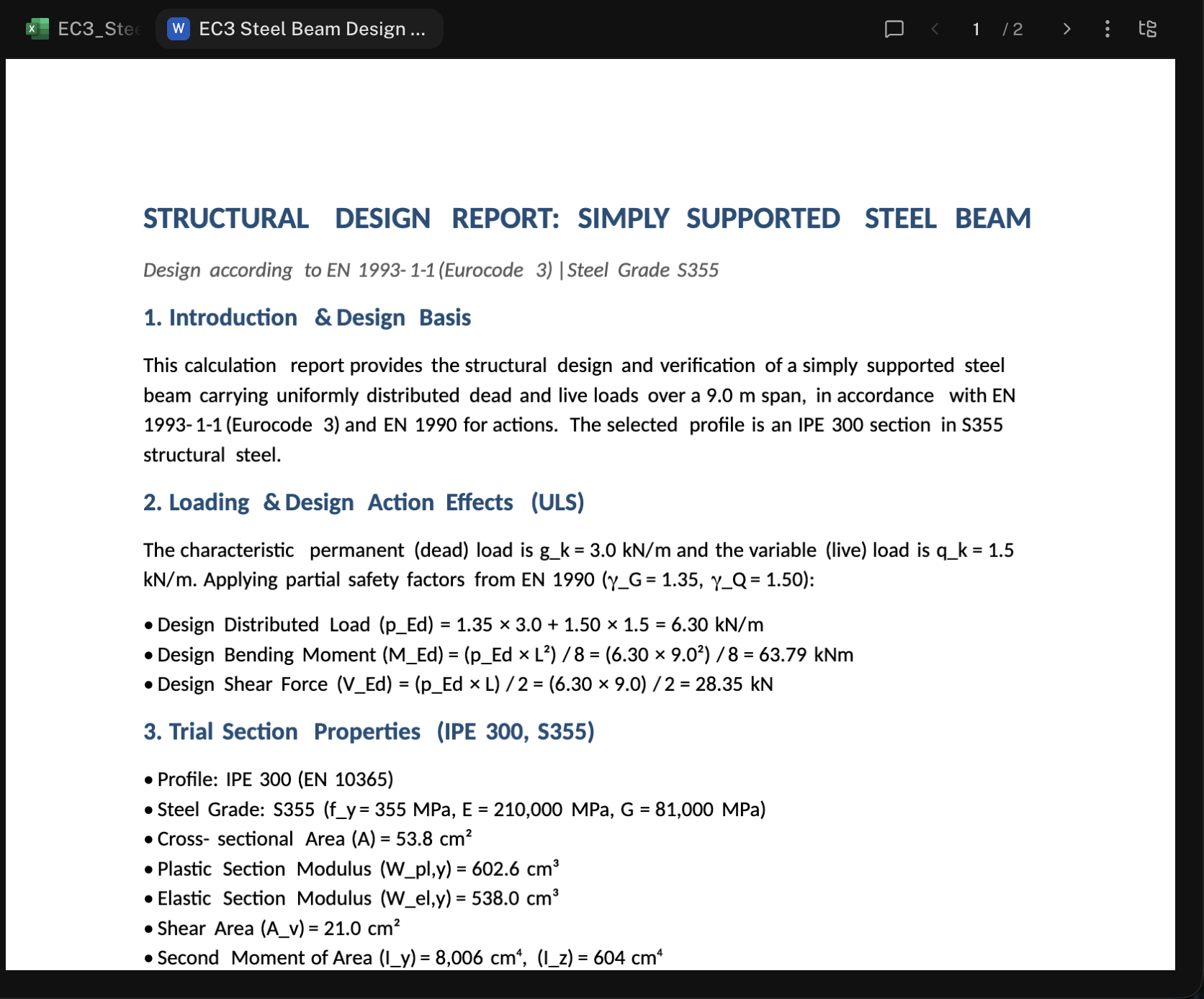
Jobs engineers use it for:
- Design reports and calc summaries built from the calcs in the project
- Method statements for temporary works and erection sequences
- Technical memos and RFI responses
- Client and project-team decks summarizing a design option, a review, or a value-engineering study
Write a Report
Brief the document
Say what the document is for, who reads it, the sections you want, and the sources to draw on. Tag the inputs with @ or attach them.
Write a method statement for installing the precast viaduct
beams with a temporary outrigger. Audience: the contractor's
site team. Sections: scope, sequence, temporary works, risks
and controls, hold points. Use @erection_drawings.pdf and
@lifting_plan.xlsx.
Watch it build
The Word document opens in the Canvas and fills in section by section, headings, tables, and figures included.
Revise in conversation
Ask for changes the way you’d mark up a draft: “make the risk section a table with likelihood and severity”, “add a hold point before the second lift”, “shorten the scope to one paragraph”. The agent edits the same file, and the Canvas updates.
Download
Open the ⋯ menu in the Canvas and choose Download Word or Download PDF. The file is also in the conversation’s folder in Files.
Build a Deck
Make a 6-slide deck comparing the two floor framing options
in @Framing_Options.xlsx for the client meeting: one slide
per option with a plan sketch and key quantities, a cost
comparison slide, and a recommendation slide.
The deck builds slide by slide in the Canvas.
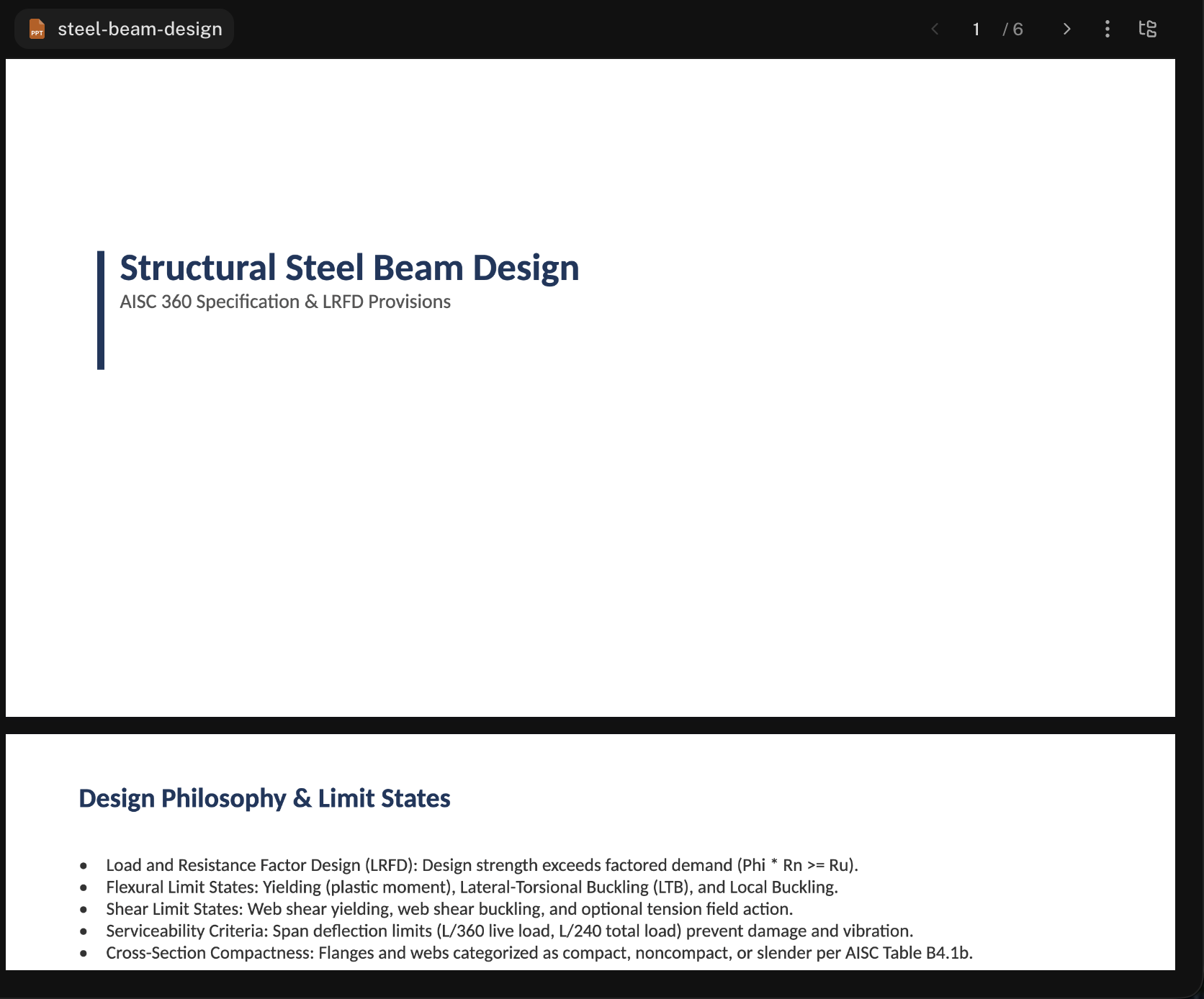
Revise it the same way (“swap slides 3 and 4”, “put the quantities in a chart”), then choose Download PowerPoint or Download PDF from the ⋯ menu.
Update a Document You Already Have
Attach or tag your own Word or PowerPoint file and ask for the change:
@Design_Basis_Rev2.docx Update section 4 for the revised wind
speed of 105 mph, change every affected value in the tables,
and add a revision note at the top.
The agent edits your file in place and keeps its formatting. When the conversation works in a project folder, the updated file is saved right there.
On your letterhead. Keep your report template, cover sheet, and logo in your standards folder and switch on My standards in the + menu: every report and deck comes out in your firm’s format. See Branded Reports.
Read It Before It Goes Out
Ask the agent to walk you through what it wrote: “list every number in this report and the calc it came from”. You’re the author of record on anything that leaves your desk.
Next Steps
The Canvas
Where your documents open and update.
Branded Reports
Your header fields and logo on every deliverable.
Excel Spreadsheets
The calcs behind the report.
Meeting Minutes & Action Trackers
Notes in, minutes and a tracker out.
Questions? Email support@stru.ai or book a call.