

Get Started
Web App Quick Start
Calculations, documents, models, and drawing reviews in one workspace.
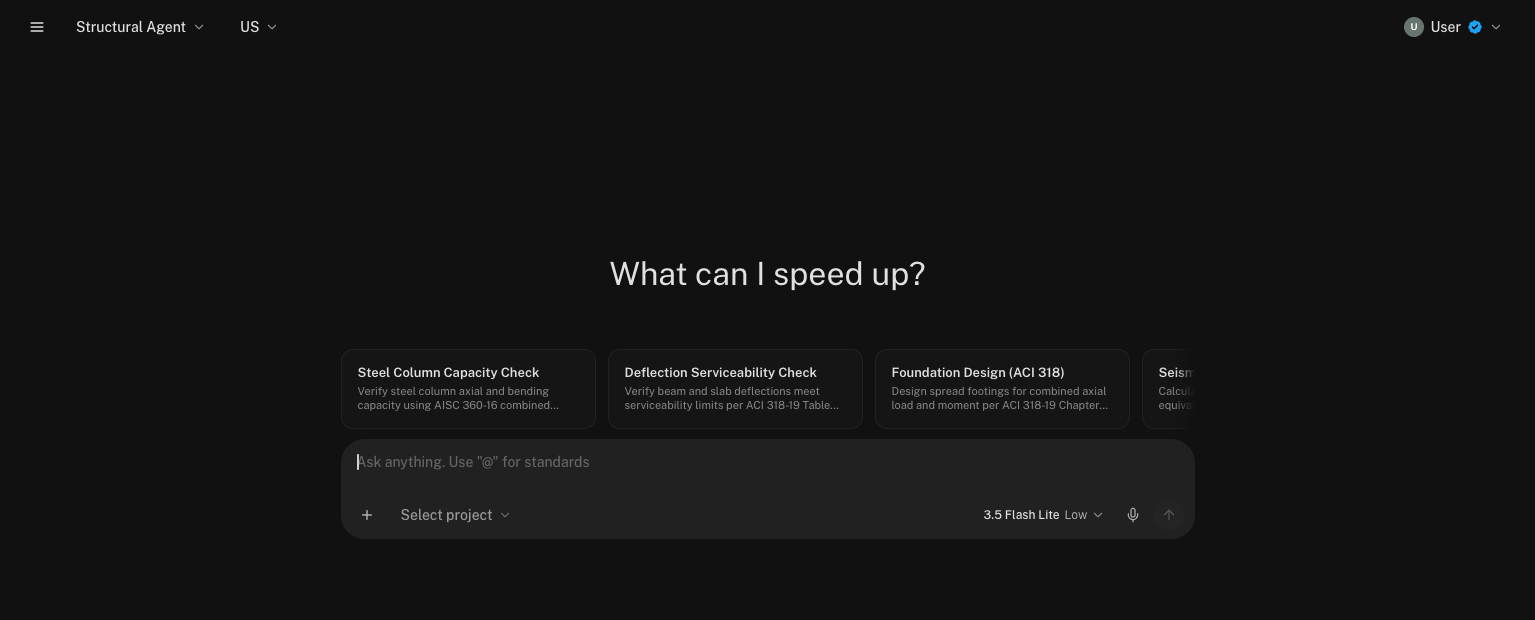
Stru is an ecosystem of agents for architectural, civil, and structural engineering work. Open the web app, sign in, describe the work, and click Send. Ask for calculations in Excel or Mathcad, create and edit Word reports or PowerPoint presentations, or work on ETABS and SAP2000 models through chat. Review the result and ask for changes in the same conversation.
Use the web app
Open your browser and send your first request.
Use the desktop app
Install Stru to work with software on your computer.
For your first request, include the design standard, dimensions, loads, and the file you want back. For example: “Check a simply supported steel beam per AISC 360. Use a 20 ft span and a 1.2 kip/ft factored uniform load. State the assumptions and return an Excel calculation sheet.”
Attach drawings or documents with +. Use Select project when the work belongs in a project folder. Your files and editable results open beside the conversation in the Canvas.
Need help? Email support@stru.ai.