

From Address to Load Package
Give the agent the project address, the risk category, and the exposure, and it looks up the site’s wind, seismic, and snow design parameters and returns them with the governing references. From there, ask for the load calc package and the parameters flow straight into it. Any project that needs site hazard data starts the same way: an office building, a water treatment structure, a pedestrian bridge, a telecom mast. The brief is what makes it work, so give the inputs up front:The site brief
Step-by-Step
1
Send the site brief
The agent returns the design parameters for the location: wind speed, seismic ground motion values, snow load, each tagged with the reference it comes from.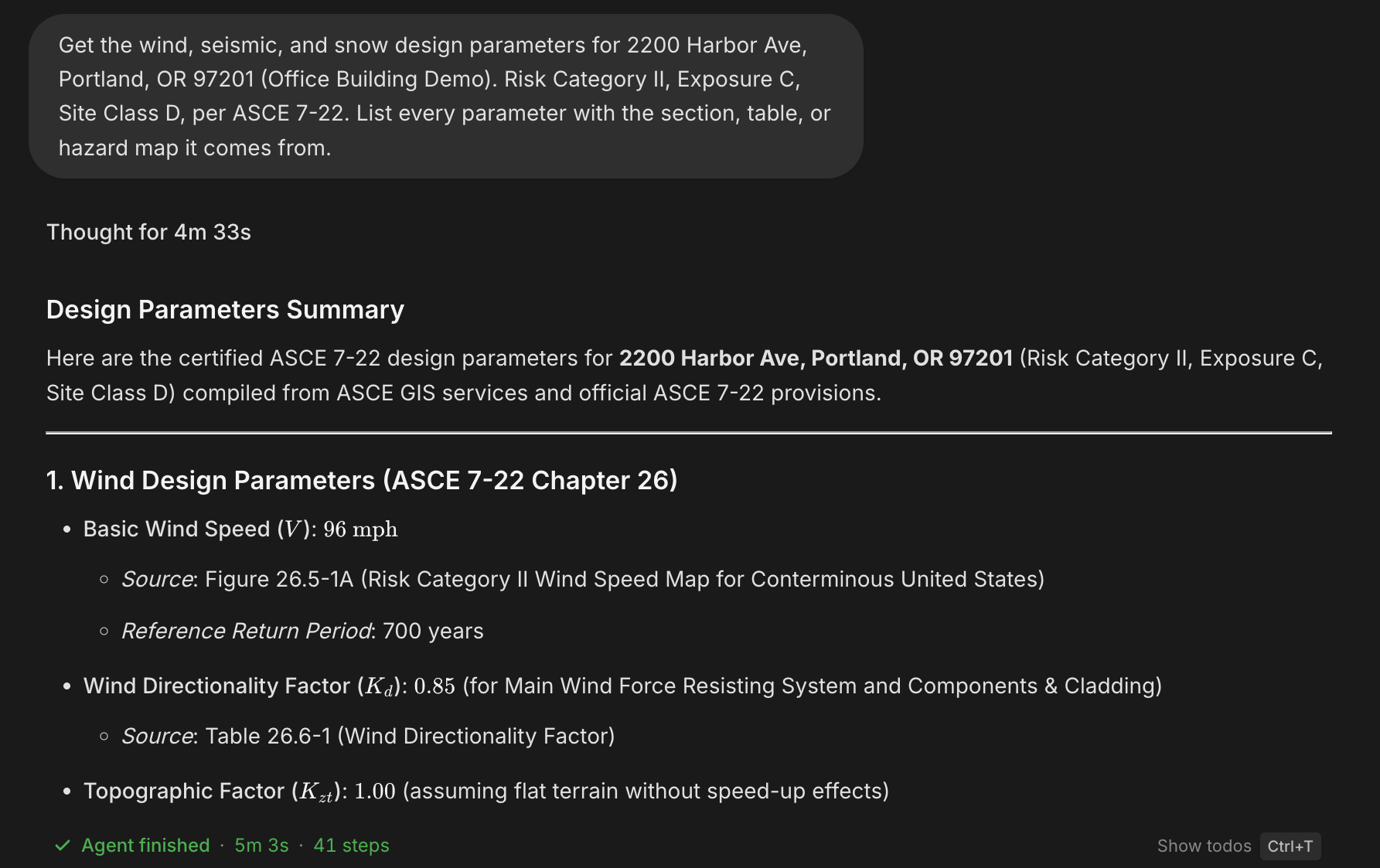
2
Check the references
Every parameter should trace to a section, table, or hazard map. For any value you will cite in a submittal, ask the agent to quote the source text, the same habit that makes code questions reviewer-ready.
3
Ask for the calc package
One load type per request lands cleanly: the wind package first, then seismic, then snow, each building on the parameters already on the table.The deliverable side of this (formats, downloads, checking the sheet) is covered in Mathcad Calc Sheets.
The wind package
4
Have it read the numbers back
Before the package leaves your desk, ask the agent to walk you through the governing value in the finished file:A number you have heard explained is a number you can defend.
The read-back
Where the Loads Go Next
The parameters and pressures feed directly into the rest of the design:- Element checks: carry the loads into beam, column, and footing checks. See Design Checks.
- Analysis models: apply them as load cases in an ETABS or SAP2000 model. See Build ETABS & SAP Models.
Next Steps
Mathcad Calc Sheets
The calc package deliverable: formats, downloads, checkingMathcad Calc Sheets
Design Checks
Carry the loads into element design checksDesign Checks
Build ETABS & SAP Models
Apply the loads as cases in an analysis modelBuild ETABS & SAP Models
Branded Reports
Header fields and your logo on every deliverableBranded Reports
Questions? Email support@stru.ai or book a call.